If you come from earlier centuries, you may have heard of the possibility of running graphical interfaces on Linux through the X forwarding protocol. I had to do use a similar setup recently, since my laptop is not powerful enough to edit photos without huge processing times, but I didn’t want to stay in the room where my desktop PC is located. Since on modern times Wayland[1] is the successor of X11/Xorg[2] as a graphical protocol, I wanted to try the modern tool to run graphical applications remotely: Waypipe[3].
On principle, the setup is simple: We install Waypipe on both the host and client machine:
sudo pacman -S waypipeAnd the we launch the application on the server using
waypipe ssh server commandHowever, our program may not perform as we would like because Waypipe doesn’t
compress the transmitted data by default. To our luck, there exists a waypipe bench
subcommand that will help us to tune the Waypipe compression parameters to our needs.
First, we should estimate the available bandwidth between our machines. To do that, we can run the following command[4]
dd if=/dev/urandom | ssh server ' cat - > /dev/null'which will give us an estimate in . Now we must run the following on our server:
waypipe bench Bwhere B is the previous estimation. After a few moments, the command will give us
an output like the following
Text heavy image, best compression level: "lz4=-1", with 0.001837+/-0.013525 sec for sample transfer
Photo-like image, best compression level: "zstd=17", with 0.331728+/-0.002882 sec for sample transfer
Depending on the kind of program to be used, we should add the compression parameter
with the -c flag. Since I wanted to use a photo editing program, I would run
waypipe -c zstd=17 ssh server darktable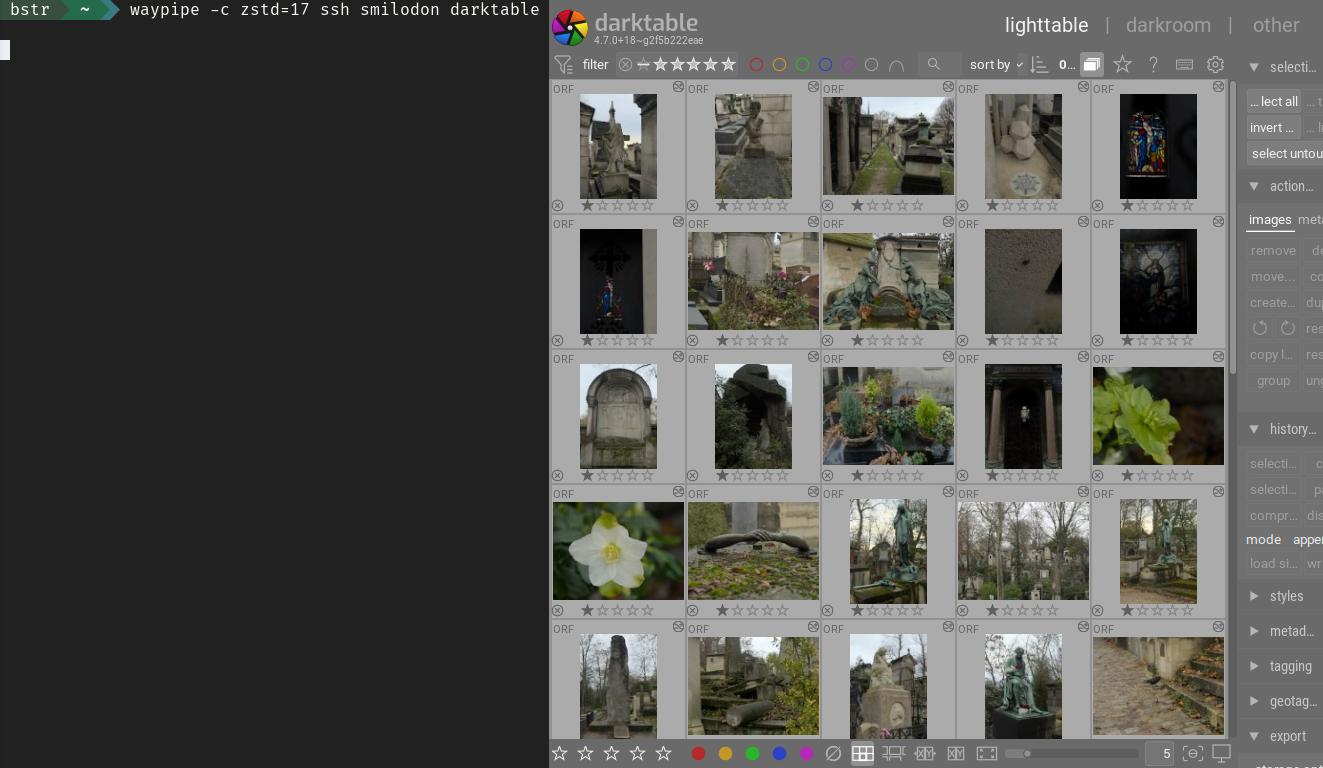
Running darktable remotely.
Another parameter to experiment with is the hardware video acceleration, that can be
enabled through --video=hw. That way, the command would look like
waypipe -c zstd=17 --video=hw ssh server darktable